You partitioned the table. It got slower. Partitioning and liquid clustering, explained.
Why fixed folders break as data grows, and how liquid clustering lets Delta Lake adapt instead
You partitioned the table. It got slower. Partitioning and liquid clustering, explained.
A team I know had a slow table. Someone gave the classic advice: partition it by date.
They did. The table got slower.
This is not a rare story. Partitioning is one of the first performance ideas most of us learn, and one of the first that quietly betrays us. Not because it is wrong. Because it is fixed, and our data is not.
Let us walk through what is actually happening, and why Databricks now recommends a different default: liquid clustering.
What partitioning really does
Partitioning splits one table into many folders on storage. One folder per partition value. When you query with a filter on the partition column, the engine skips the folders it does not need.
That skip is the entire magic. Read less, finish sooner.
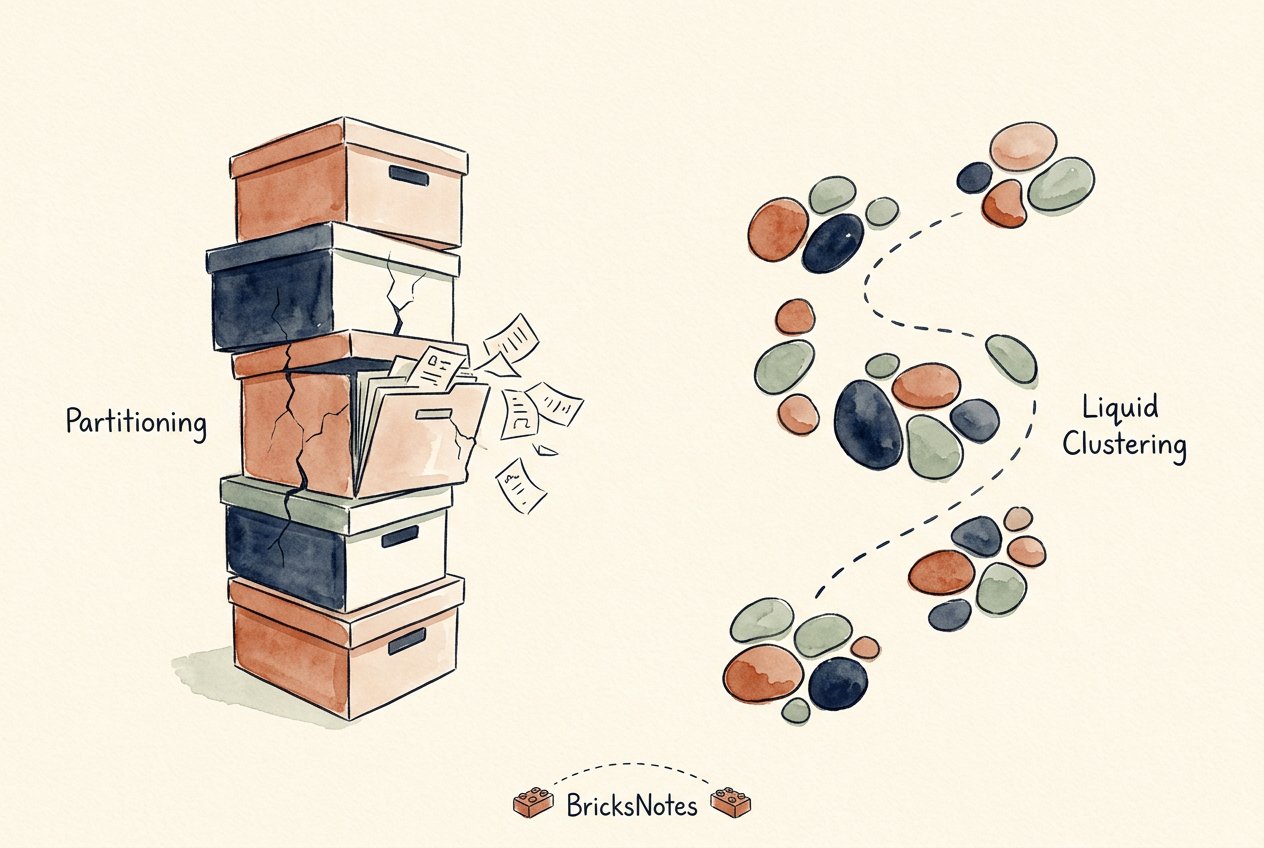
So far, so good. The trouble starts with what partitioning assumes: that you know today exactly how you will query tomorrow, and that every partition will stay a healthy size forever.
Where partitioning breaks
Real data does not stay still.
You partition by date, and one day has ten times the volume of the others. That folder becomes huge. Or the opposite: you partition by region and date, and thousands of tiny folders appear, each holding a few small files. Now every query pays a tax just listing them.
Then the queries change. The dashboard filters by customer, not by date. Your beautiful date partitions now help nobody, and the customer filter reads everything anyway.
And changing your mind is expensive. Repartitioning an existing table means rewriting it. All of it.
This is the pattern: partitioning is a one-time decision that ages badly.
The idea behind liquid clustering
Liquid clustering takes the same goal, read less data, and removes the fixed folders.
Instead of physically splitting the table into directories, Delta Lake records which rows belong near each other and groups them into flexible units inside the files. The layout can change as the data changes, without rewriting the whole table.
You declare what you cluster by. The system handles the rest.
CREATE TABLE events (
  event_time TIMESTAMP,
  customer_id STRING,
  event_type STRING,
  payload STRING
)
USING delta
CLUSTER BY (customer_id, event_time);
That is the whole contract. No folder hierarchy. No commitment you will regret in a year.
Why it adapts when partitioning cannot
Three properties do the heavy lifting.
Clustering columns can change. If your query pattern shifts from date to customer, you change the CLUSTER BY keys and future writes follow the new layout. With partitions, that same change is a full rewrite.
Skew stops hurting. A partition with ten times the data is one giant folder. Liquid clustering splits hot values across many small groups, so no single value becomes a bottleneck.
Small files stay under control. Because clustering does not create a folder per value, you do not get the tiny-folder explosion that high-cardinality partitioning causes. (If tiny files already bit you, we covered that story in the small files problem, explained simply.)
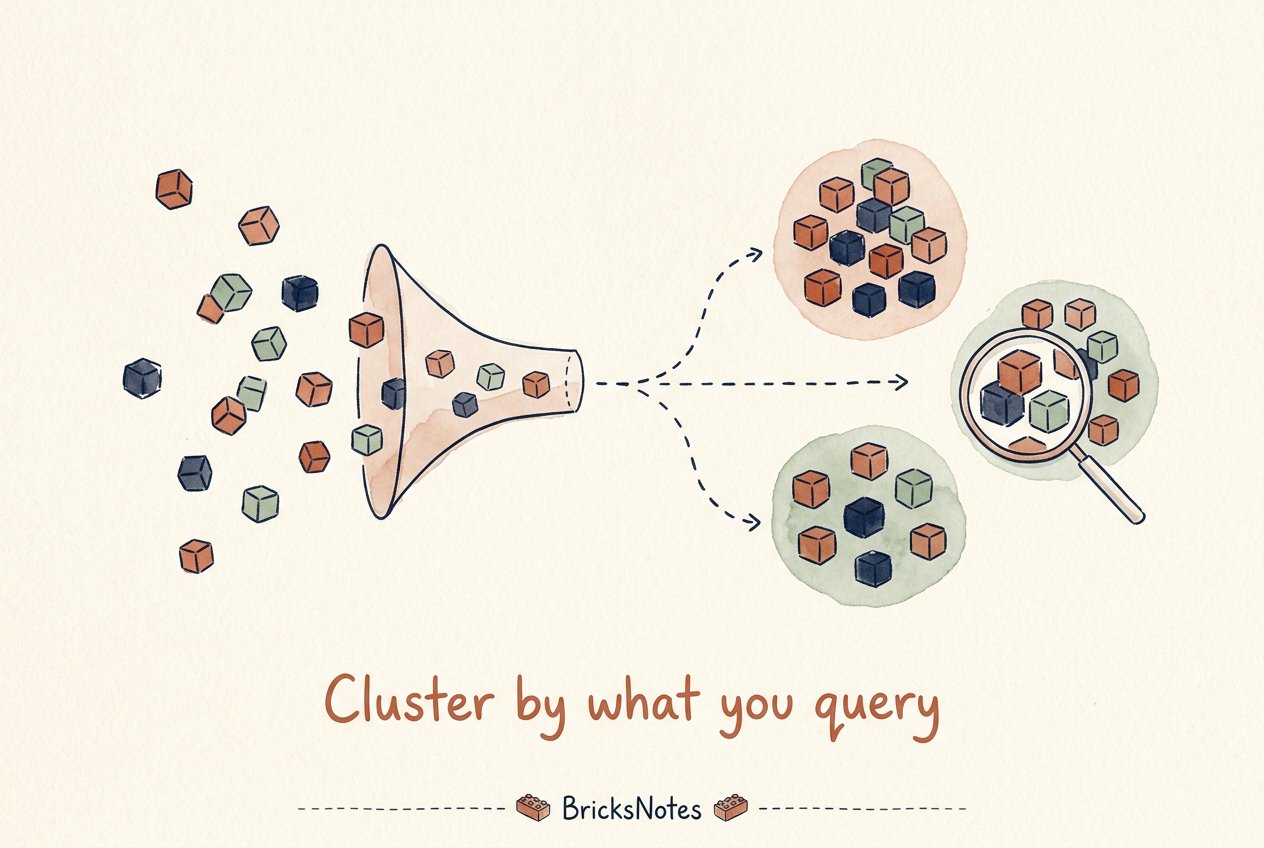
Cluster by what you query. Let the table reorganize itself around that choice.
Trying it on Free Edition
You can feel the difference with a small experiment. This runs on Databricks Free Edition.
from pyspark.sql import functions as F

df = spark.range(0, 5_000_000).withColumn(
    "customer_id", (F.col("id") % 50_000).cast("string")
)

df.write.format("delta").mode("overwrite") \
  .option("delta.liquidClustering.enabled", "true") \
  .saveAsTable("events_clustered")

spark.sql("ALTER TABLE events_clustered CLUSTER BY (customer_id)")
Now filter by one customer and compare the files scanned with an unclustered copy. Fewer files read, same answer. That gap is what clustering buys you at scale.
A few honest notes. Z-ordering still exists and still works, but liquid clustering is the direction Databricks recommends for new Delta tables because it is incremental and does not fight concurrent writes the way ZORDER can. And for very small tables, skip both. Reading everything is already fast enough.
So when do you still partition?
Less often than the internet suggests, but the cases are real.
Keep partitions when a lifecycle rule depends on them, like dropping old data by detaching a partition, or when an external system outside Delta Lake expects the folder layout. For almost everything else on Delta Lake 3.0 and later, cluster instead.
A simple rule of thumb:
- Table under a terabyte? Do nothing. Full scans are cheap.
- Bigger, with clear filter columns? CLUSTER BY those columns.
- Lifecycle or external-tool reasons? Then, and mostly then, partition.
The habit that matters more than the feature
Notice what changed between the two approaches. Partitioning asks you to predict the future. Liquid clustering asks you to describe the present and lets the table keep adjusting.
That is a broader lesson in data engineering. Prefer the designs that forgive you for being wrong early. Your queries will change. Your volumes will change. Pick the layout that changes with them.
If you want to go deeper, the book walks through this step by step: start with the partitioning and performance lesson, then see how layout decisions compound inside the Delta Lake lesson and across a medallion architecture. If you are newer to all this, Start Here is the calm on-ramp.
Keep building, brick by brick.